1. Start Clarion
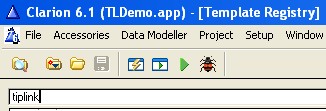
2. Click Setup -- > Template Registry
3. Type TipLink in the search bar
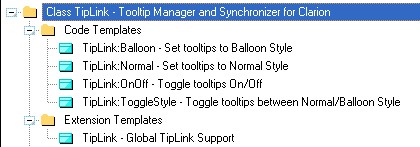
4. Locate and highlight the TipLink class
5. Click the UnRegister button
Click here to see how to add the TipLink template to your application
|
Unregistering the template
|
Previous Top Next |